![Hearo profile Image-2.png]](https://learn.hearo.net/hs-fs/hubfs/Hearo%20profile%20Image-2.png?width=50&height=50&name=Hearo%20profile%20Image-2.png)
In an effort to help remote supports staff keep track of device issues, we've implemented an alert for when a device is experiencing problems with connectivity. Now, when a Location has a device that isn't currently connected to the Hearo network, you'll see a banner on the remote supports dashboard like this:
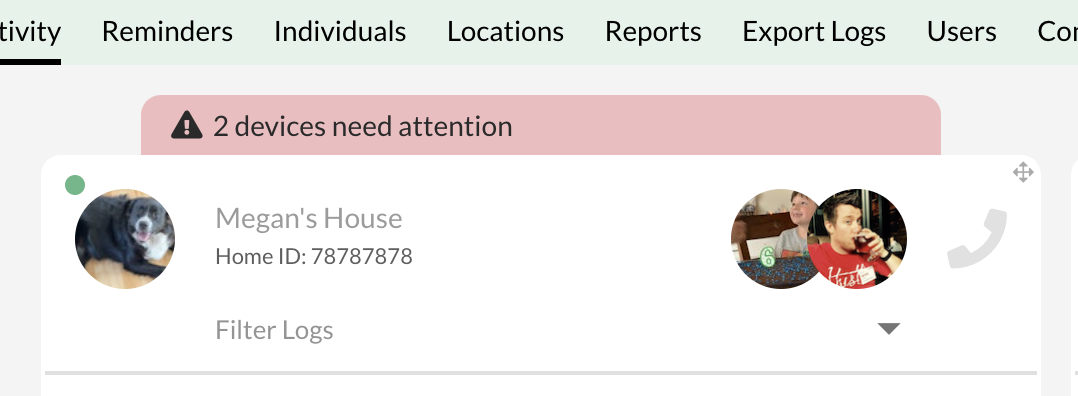
If you click this banner, you'll be taken to the Location details page. If the device having connectivity issues is a tablet, you'll see an icon next to the tablet like this:
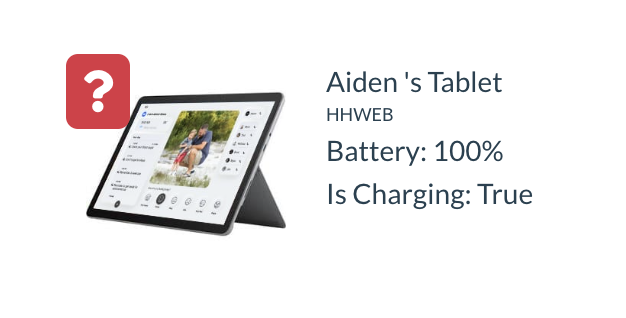
You can click on this icon and it will take you to a related Knowledge Base article that will assist you in troubleshooting the issue.