![Hearo profile Image-2.png]](https://learn.hearo.net/hs-fs/hubfs/Hearo%20profile%20Image-2.png?width=50&height=50&name=Hearo%20profile%20Image-2.png)
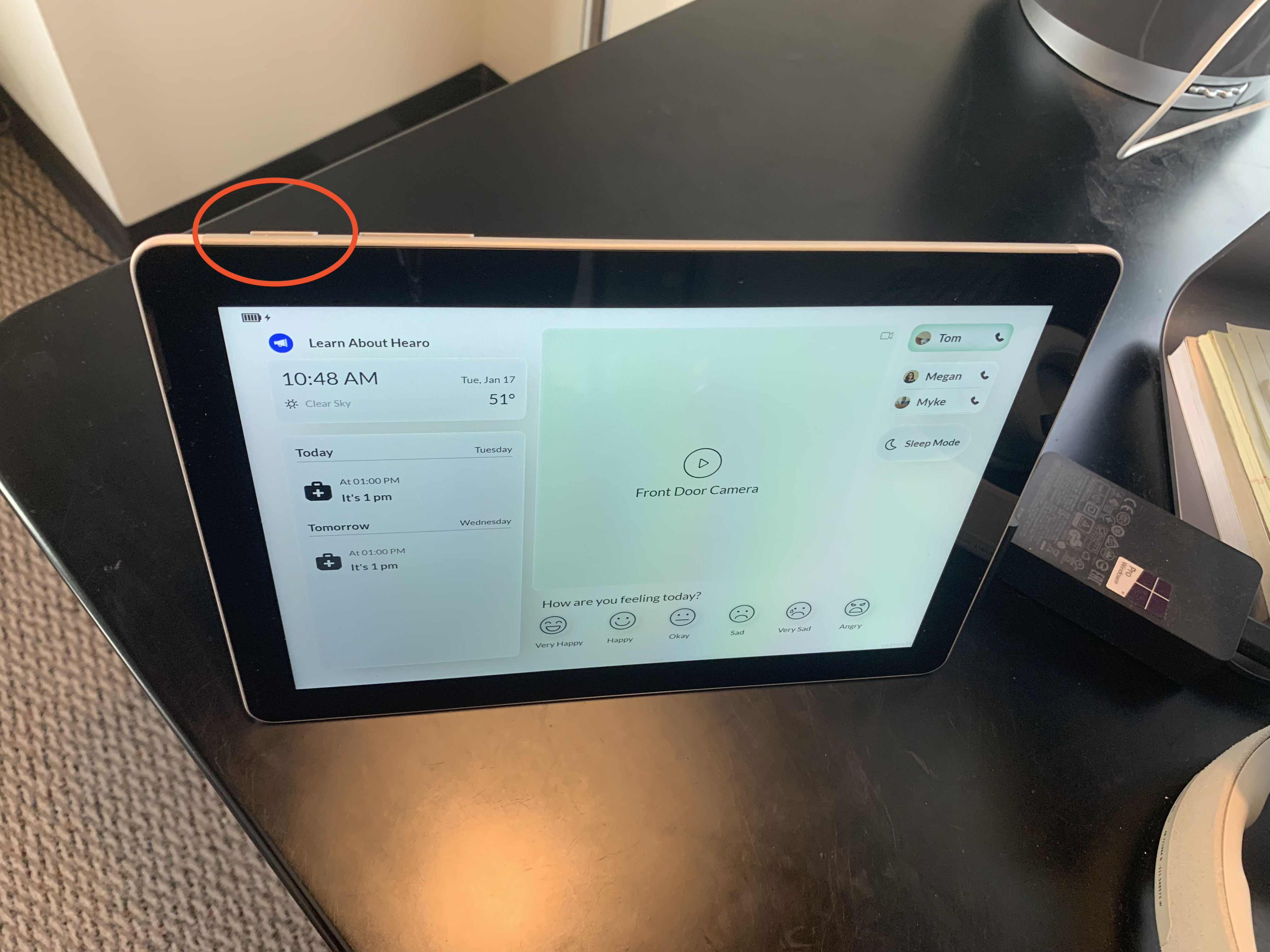
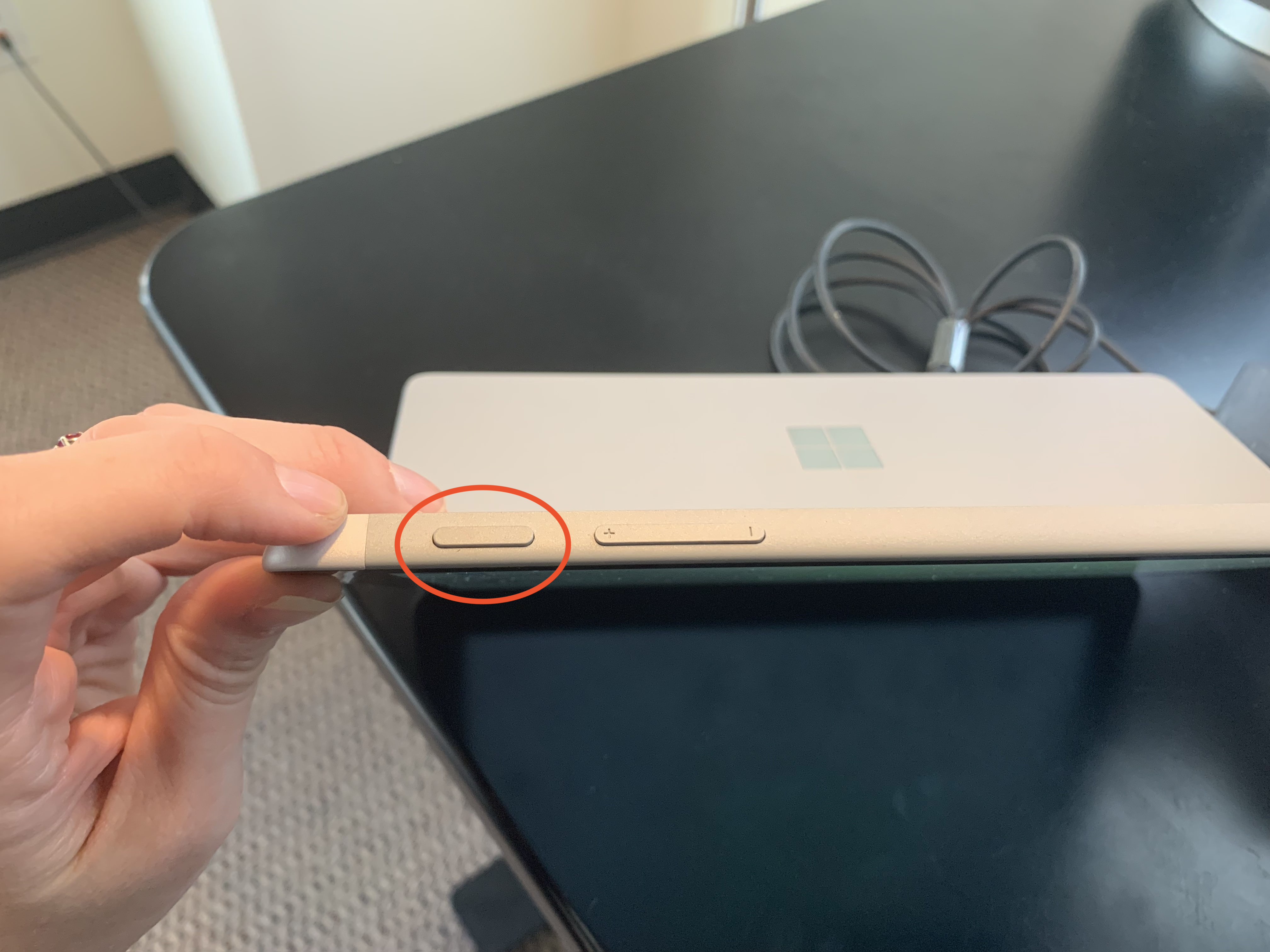
To restart the tablet, press and hold the smaller button on the tablet's top or side, depending on its current orientation. There will be two buttons; the Power button is the smaller of them, the Volume Up/Down will be the larger.
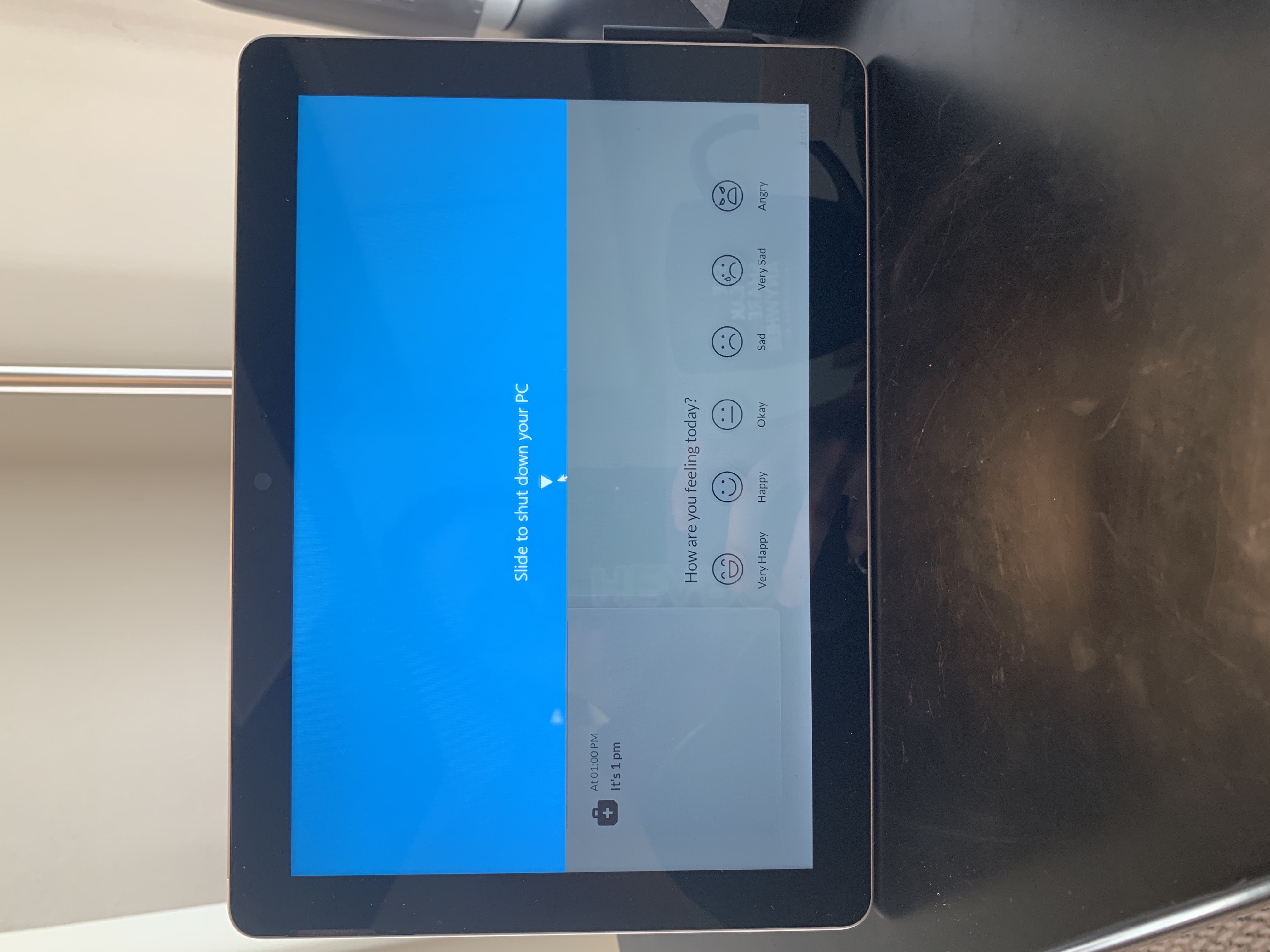
After holding the button for a couple of seconds, you'll see a blue half-screen pop up that instructs you to swipe it downwards to shut off the device. Go ahead and swipe the blue towards the bottom of the screen.
This will turn the tablet off completely. Once the screen turns black, wait a second or two and press the same Power button you used to turn it off. You should see the tablet turn back on. The main Hearo screen will automatically reappear.
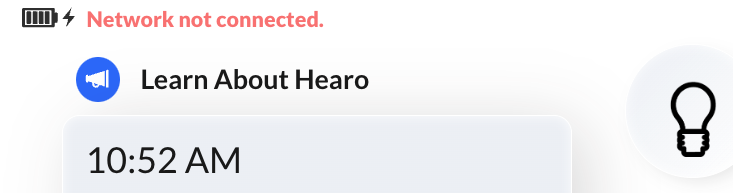
If you still see the network connectivity error, you'll need to contact Hearo support to assist with network connectivity issues. If you don't see a network connectivity error, then go ahead and try placing a call. If the call doesn't connect when you know it should, for instance when you know someone is awaiting the call on the other end, then contact Hearo support for further assistance and we will be happy to help!