![Hearo profile Image-2.png]](https://learn.hearo.net/hs-fs/hubfs/Hearo%20profile%20Image-2.png?width=50&height=50&name=Hearo%20profile%20Image-2.png)
1. Install the correct version of the app from the links below.


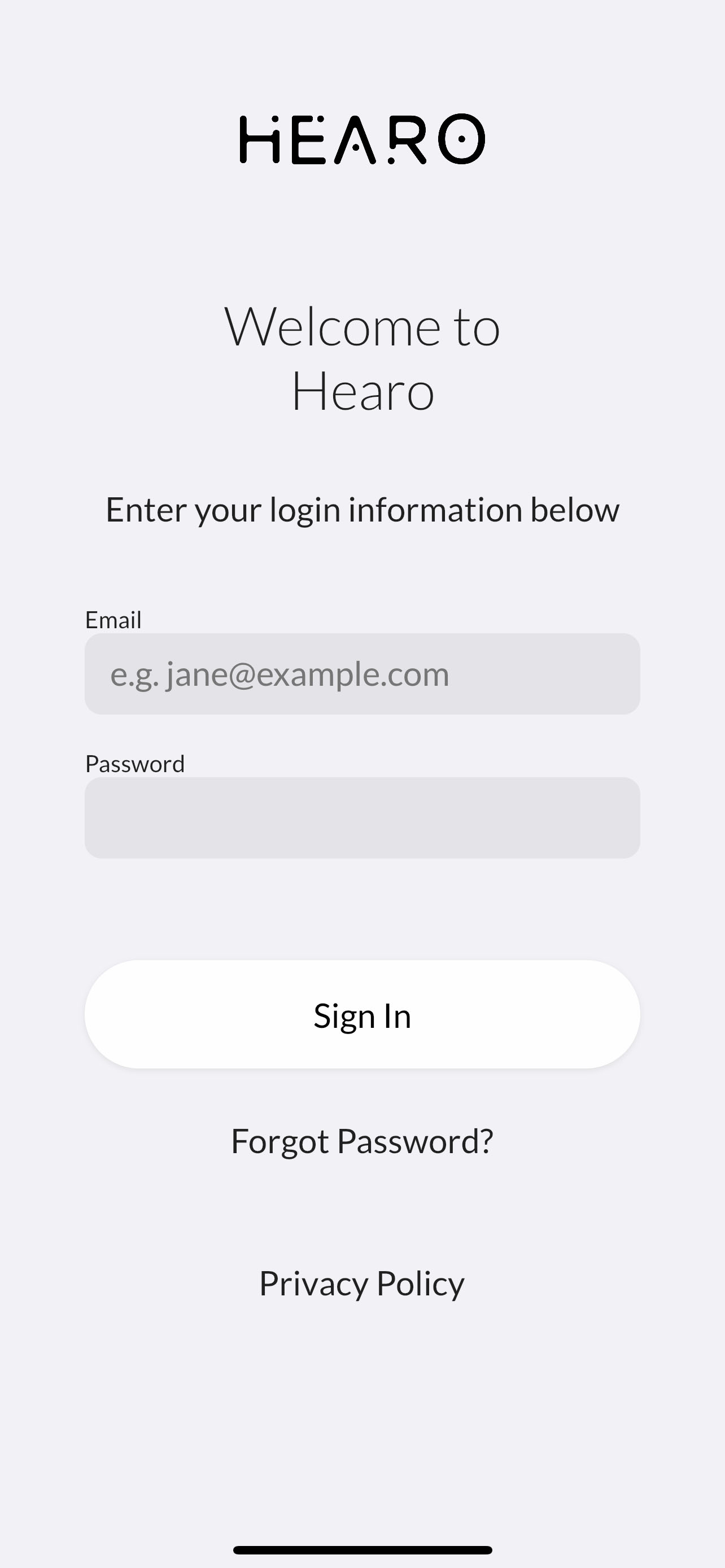
2. Log in to the app using your staff or family credentials and press the Sign In button.
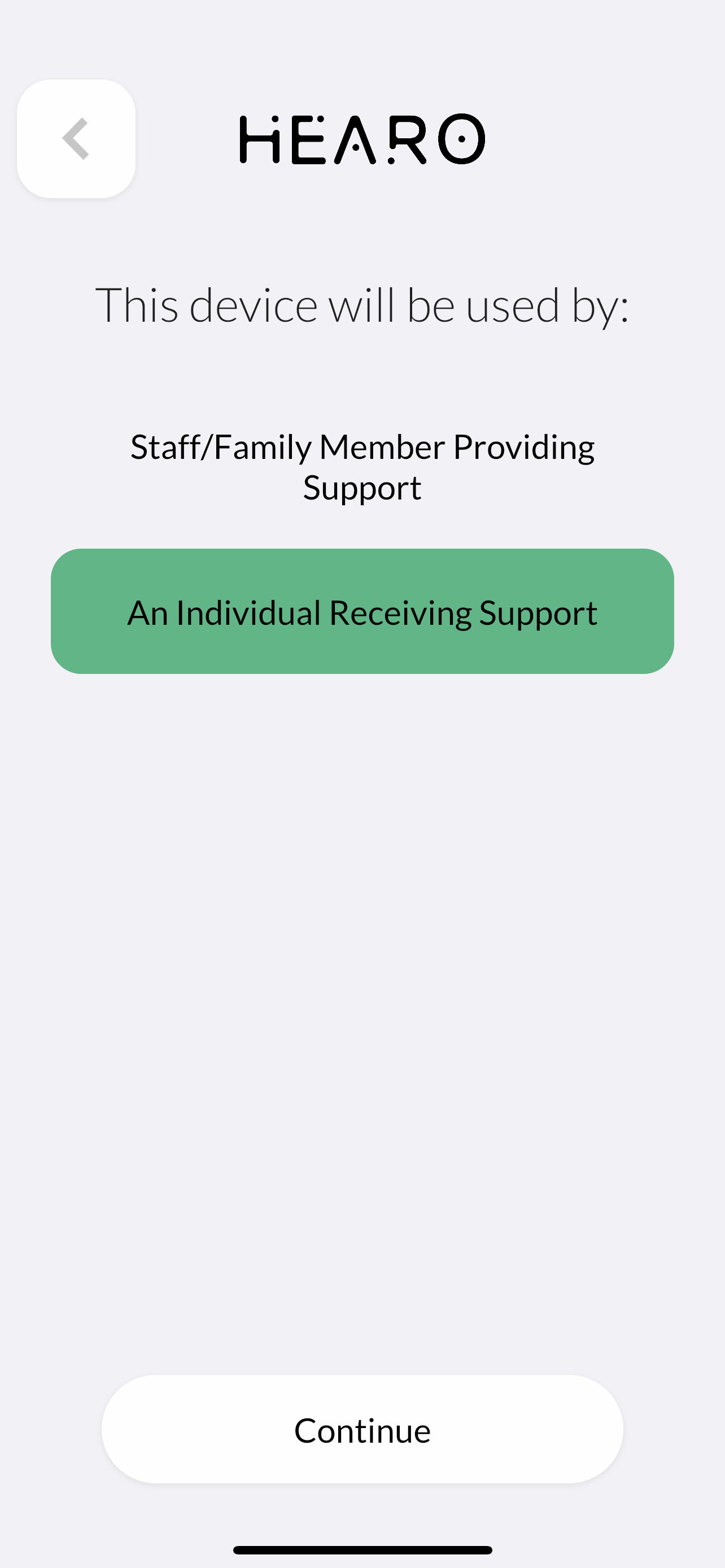
3. Select "An Individual Receiving Support" and press continue.
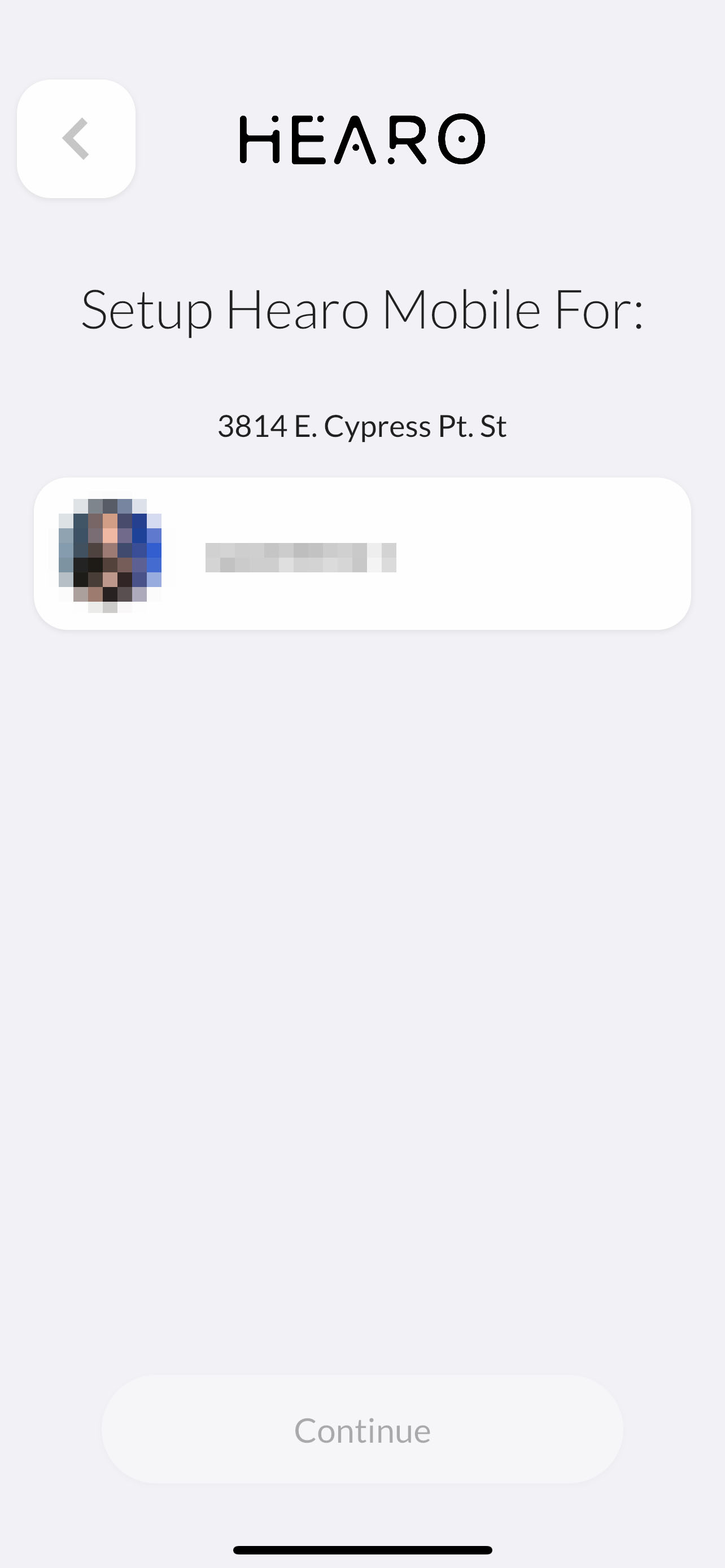
4. Select the Individual for whom you are logging in from the list that appears.