![Hearo profile Image-2.png]](https://learn.hearo.net/hs-fs/hubfs/Hearo%20profile%20Image-2.png?width=50&height=50&name=Hearo%20profile%20Image-2.png)
These notes are viewable and editable by anyone that has access to view a particular Location.
To view the Location note, click on the Location image to open the dropdown and click the "Support Note" option.
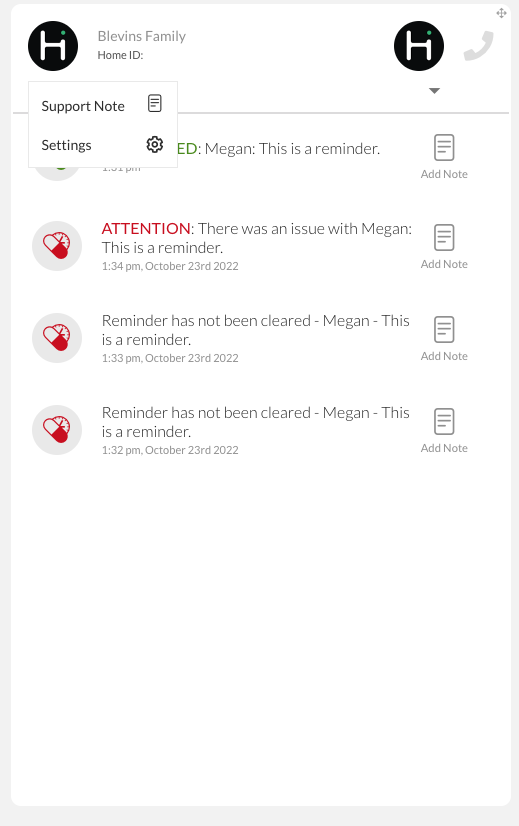
If there is currently a note, you will see the current note for that Location with an option to edit it at the top next to the Location name: 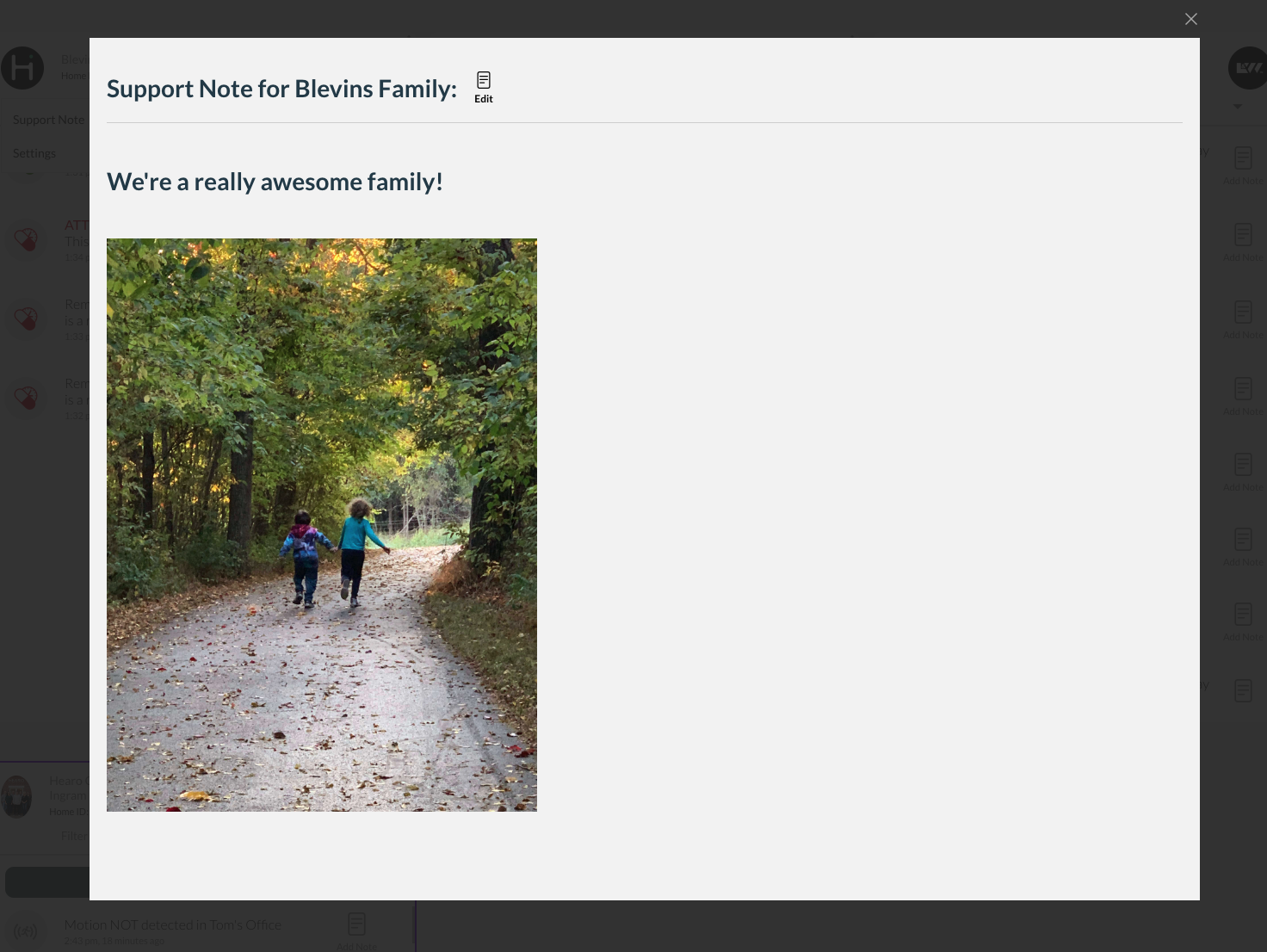
If there is no note, or if you click on the "edit" button beside the Location name on a current note, the window changes to show you an editable wysiwyg space. 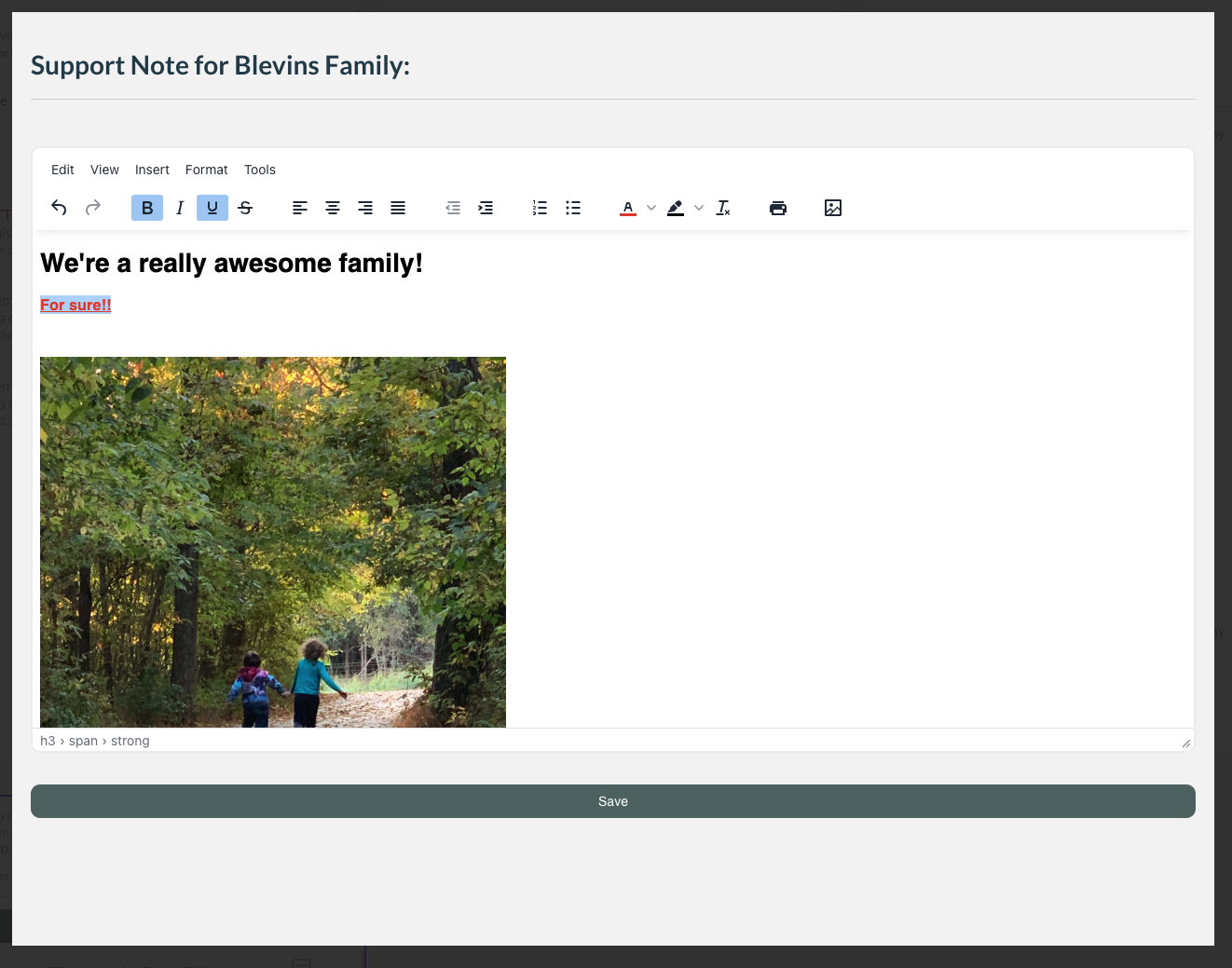
After saving, anyone with access to the Location can view/edit the note that was created.