![Hearo profile Image-2.png]](https://learn.hearo.net/hs-fs/hubfs/Hearo%20profile%20Image-2.png?width=50&height=50&name=Hearo%20profile%20Image-2.png)
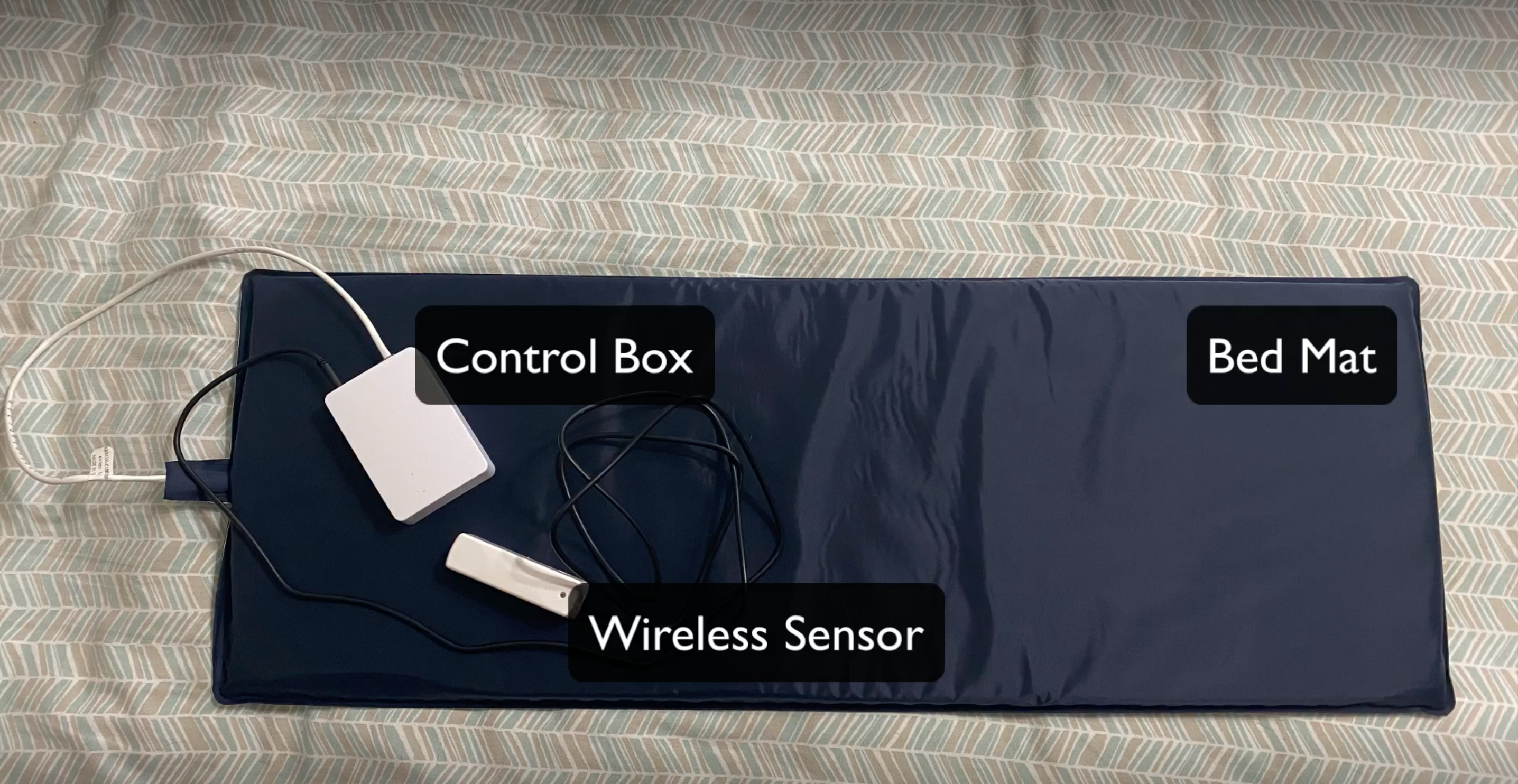
Each Bed Mat Setup should include:
- Bed Mat
- Control Box
- Wireless Sensor
- Cables for the bed mat and sensor to connect to the control box. This must always stay connected.
Adjusting to the Proper Position:
-
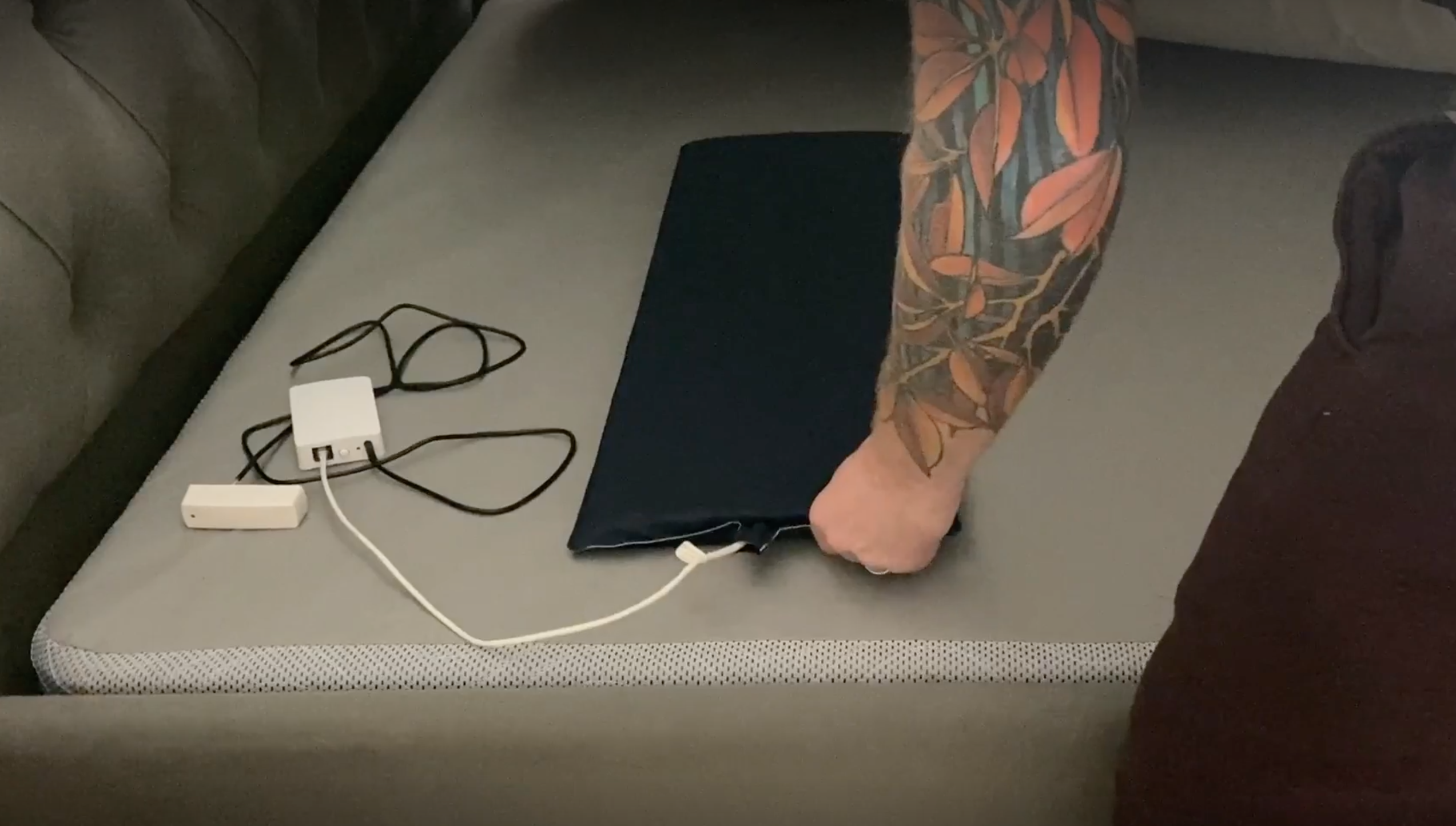
Normally, the bed mat is set up between the mattress and a box spring. In some instances there is a platform under the mattress, if there is no box spring, to provide a rigid structure for the mat.
- The mat should be placed on the side of the bed the individual sleeps on. The mat is wide enough to account for a fair amount of movement while sleeping, however, it may take some placement tweaking to find the perfect spot.
-
For most scenarios, placing the mat horizontally centered and vertically aligned with the individual's shoulders will be sufficient. Move the mat around to find the ideal position. For example, if the individual sleeps on the far corner of the bed, move the mat closer to the edge.
Calibrating the Bed Mat:
- Sometimes, the weight calibration may need to be adjusted. This will be especially true if there's a change of mattress or if the mat itself is relocated to a new position.
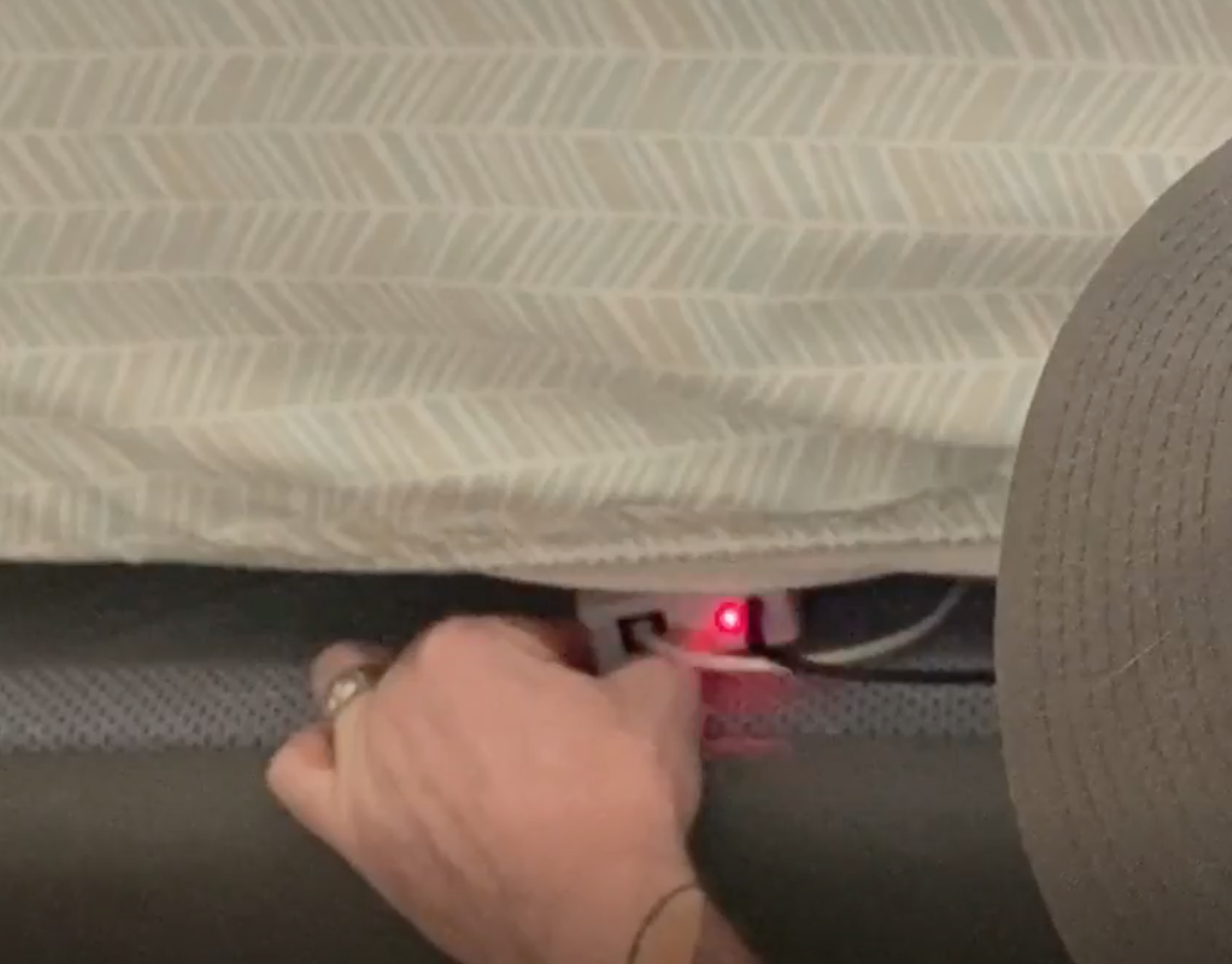
- To recalibrate the bed sensor, make sure the bed is empty and the mattress is fully on the frame or box spring. Next, you need to access the control box press and hold the only button on that device. This button requires a firm press, so it may take a little bit of pressure. Hold the button in for a few seconds and you will see a red light flash. This indicates a successful calibration.
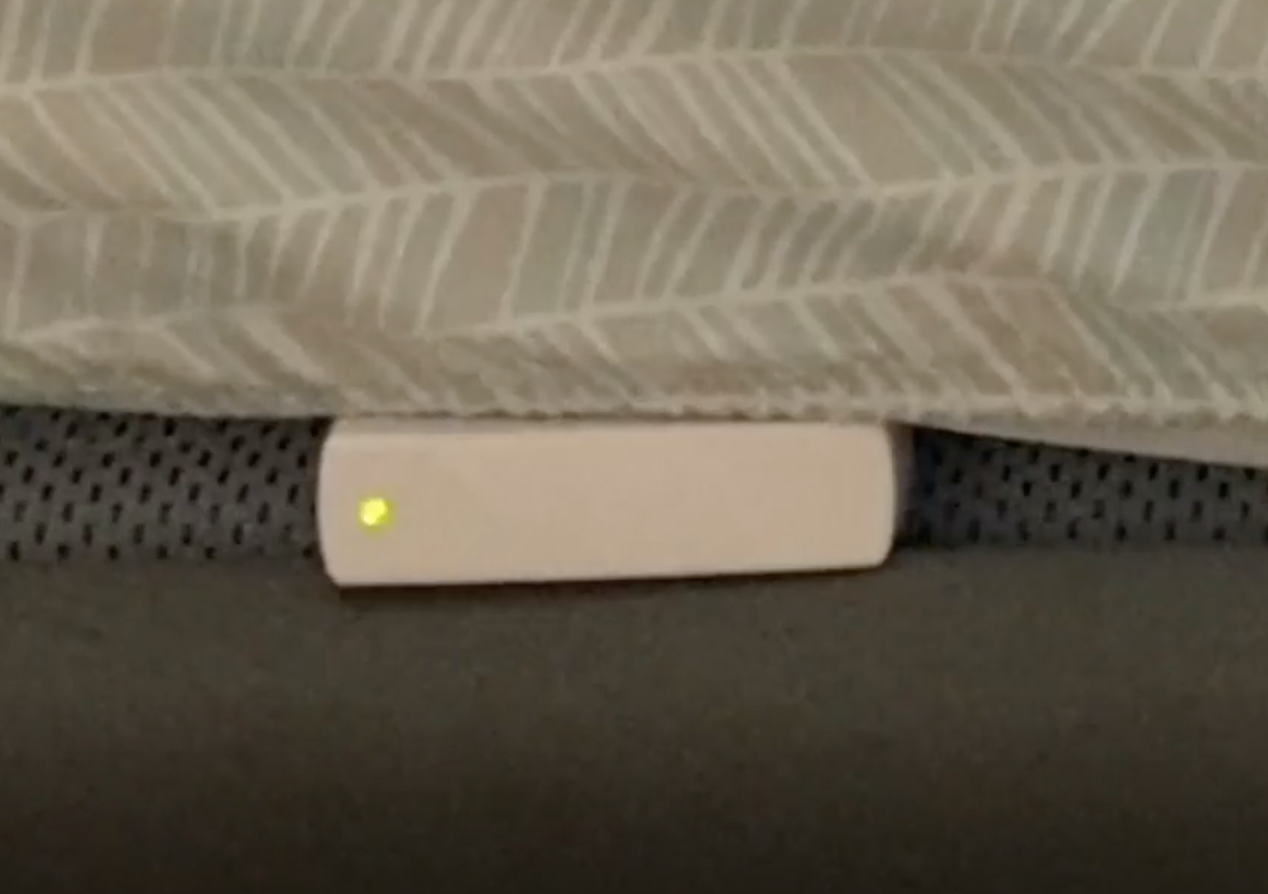
- You can now test the bed sensor by applying pressure to the mattress, above the area where the mat is located. You can do this by firmly pressing on the mattress, or, even better if able, by having an individual lay in the bed as they normal would to insure everything is working correctly. You can also leave the sensor poking out a bit such that it is slightly visible.
- You should see a green light flash once the bed is occupied, then once more after it is unoccupied.
- If you do NOT see the green light flash, please contact Hearo support.